
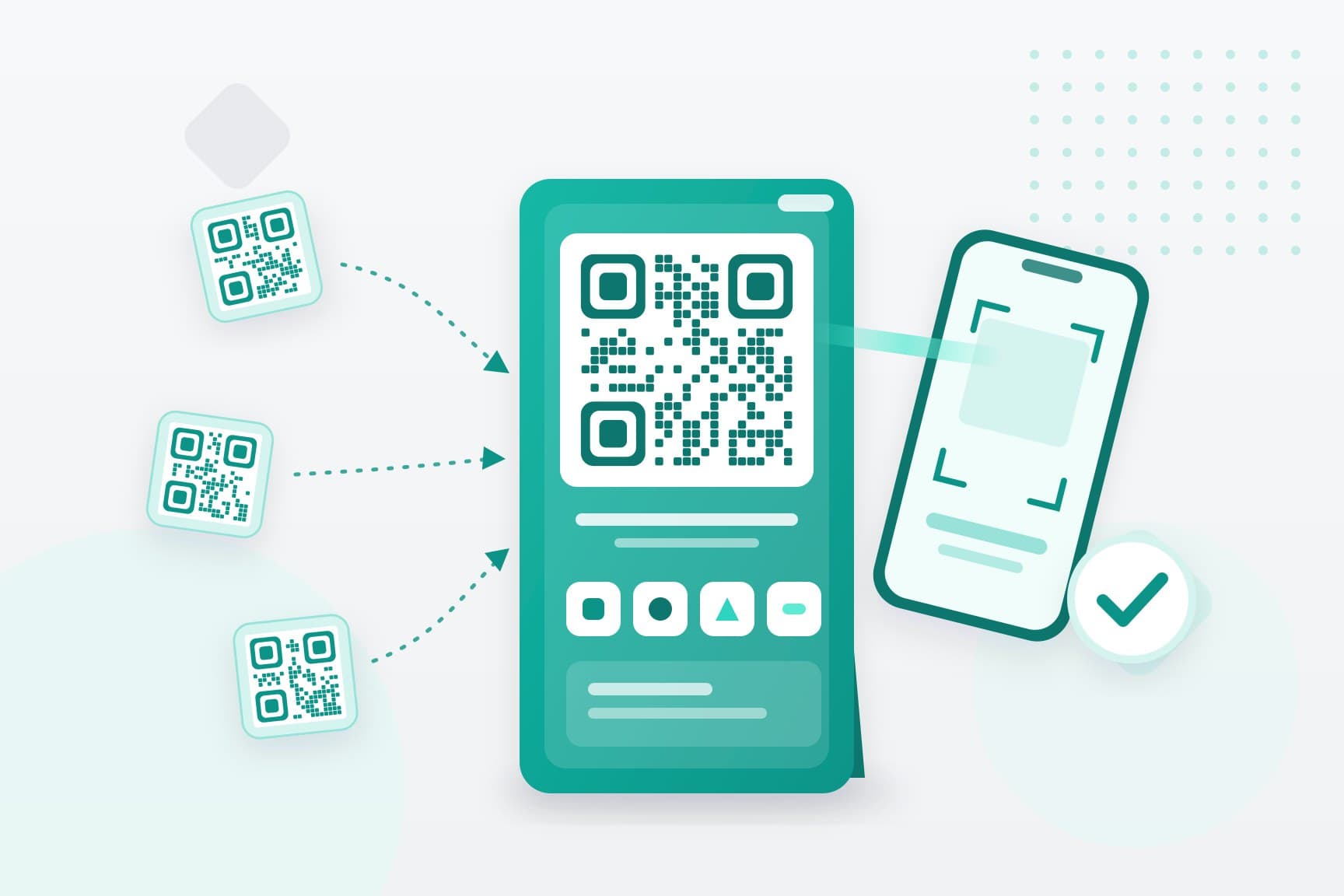
What an SGQR code is
SGQR stands for Singapore Quick Response Code. It was launched on 17 September 2018 and is co-owned by the Monetary Authority of Singapore (MAS) and the Infocomm Media Development Authority (IMDA).
Before SGQR, a shop taking several payment apps needed a separate QR sticker for each. SGQR puts them into one code, and the label shows which payment options you accept, so a customer can see at a glance whether their app works.
Every label carries:
- the QR code itself, which holds the payment details of every scheme you accept;
- the payment apps and schemes you accept, each shown by its logo;
- an SGQR ID in the top right corner, which identifies your label.
The label is registered to your place of business. If you move, you need a new label for the new address.
How a customer pays with an SGQR code
For the customer it takes a few seconds. MAS describes it in three steps:
- They check the logos on your label, then open a payment app you accept.
- They scan the code and check that the app shows your business name.
- They enter the amount, if your code does not already carry it, and confirm.
The customer gets a notice in their app straight away. You should get one too, on your phone, your terminal or your merchant app, depending on how your setup works.
The weak point is step 3. With a printed label, the customer types the amount, and a slip of the finger is easy at a busy counter. That is why many businesses pair the printed label with a QR code shown on a payment terminal, which already carries the right amount. More on that below.
SGQR and PayNow: how they relate
People often mix the two up. PayNow sends Singapore dollars instantly to a mobile number, NRIC or FIN, or a company's UEN, linked to a bank account or e-wallet. SGQR is the label that can carry PayNow along with other schemes.
So PayNow is one of the options on an SGQR label, not a rival to it. A customer scanning your SGQR code with their banking app pays you by PayNow. Another customer scanning the same code with a different wallet pays through that wallet instead.
Your bank may also give you a plain PayNow QR code linked to your corporate account. The official guidance for merchants says that if your provider is an SGQR member, you should display only your SGQR label and not separate PayNow or other QR labels. One code is less confusing for customers.
For more on PayNow and wallet QR payments at the counter and online, see our guide to QR code payments.
How to get an SGQR code for your business
You don't apply to MAS for an SGQR code. You get it through a merchant acquirer: the bank or payment company that processes your payments and pays the money into your account.
MAS keeps the list of acquirers that offer SGQR, which includes the major banks and a number of payment companies. Each one sets its own terms, and MAS does not step into the commercial side between a business and its acquirer.
Setting up takes a few checks, because a payment provider has to know who it is paying. Expect to give:
- your business name, UEN and registered address;
- your industry, what you sell and your expected monthly sales;
- your company documents;
- details of your directors and shareholders, with an ID check for each.
Your acquirer is also the one to contact later, to change your address, get extra copies of your label, add or remove a payment scheme, or stop using SGQR.
If you take payments with ONE, our team takes you through these checks with our licensed payment partners. Your terminal then shows a QR code made for each sale, for PayNow or a supported wallet, beside card payments. The methods ONE supports for your business depend on your device and business type, and we confirm them before you go live.
Printed label or QR on a terminal: which suits your counter
There are two ways to show a payment QR code, and many businesses use both.
A printed SGQR label is a sticker or stand at the counter:
- the customer types the amount, so a wrong amount is possible;
- you see the payment as a notice on your phone or app, and someone has to check each one by hand;
- it needs no device, and it takes only QR payments;
- it suits a quiet stall, or a back-up at a busy counter.
A QR code on a payment terminal is made for that one sale:
- the code already carries the amount, so nobody types it;
- the terminal shows when the payment is through;
- the same device takes cards too;
- it suits a busy counter, a restaurant, or any shop that also takes cards.
A terminal checks each payment for you. With ONE's in-store setup, you enter the amount and the customer taps a card, inserts it on ONE Pro, or scans a QR code made for that sale. The code is for PayNow or a supported wallet such as GrabPay or Alipay, and the terminal shows when the payment is through.
ONE Mini also says each payment out loud, and ONE Pro prints a receipt. ONE Tap takes contactless cards and QR payments on an NFC-enabled Android phone, with no extra hardware.
Rules for displaying your SGQR label
The official merchant guide sets out three rules:
- Display only one SGQR label at each point of sale. Two labels with the same SGQR ID, or two registered to the same UEN, should not sit at the same counter.
- Don't put extra frames, branding or marketing material on the label. A plain frame is fine.
- Make your SGQR label your only printed QR code, and ask your acquirer for an SGQR label in place of any other QR labels you still have.
If you find more than one SGQR label at a point of sale, you can report it through the NETS form.
The rules sound fussy, but each one has a reason. One code means customers never have to guess which one to scan. A plain label is harder to tamper with without anyone noticing.
Keeping SGQR payments safe at the counter
One known QR fraud at shops is a fake code stuck over the real one, so payments go to someone else. A few habits close that gap:
- Check your label at opening and closing for stickers placed over it, a changed SGQR ID or a label you don't recognise.
- Release goods only when you see the payment notice. A customer's screen saying "sent" is not proof.
- Teach staff what the real notice looks like, and where it shows up on your phone or terminal.
- If a payment seems wrong or you suspect fraud, call your acquirer straight away.
A QR code made fresh on the terminal for each sale is the hardest to swap, because there is no sticker on the counter to cover.
What SGQR+ changes
SGQR+ is the next stage of SGQR. With the original scheme, a business might still need separate agreements to accept different apps. SGQR+ lets a business accept payments from many schemes through a single acquirer, with one agreement and one set of reports.
MAS ran a trial in November 2023. NETS announced an island-wide rollout in November 2024 for food and beverage and retail businesses. Customers still scan an SGQR label at the counter. The difference is behind it, in how many providers you deal with.
If you are setting up QR payments now, ask your provider which apps your label will accept and whether that list can grow.