
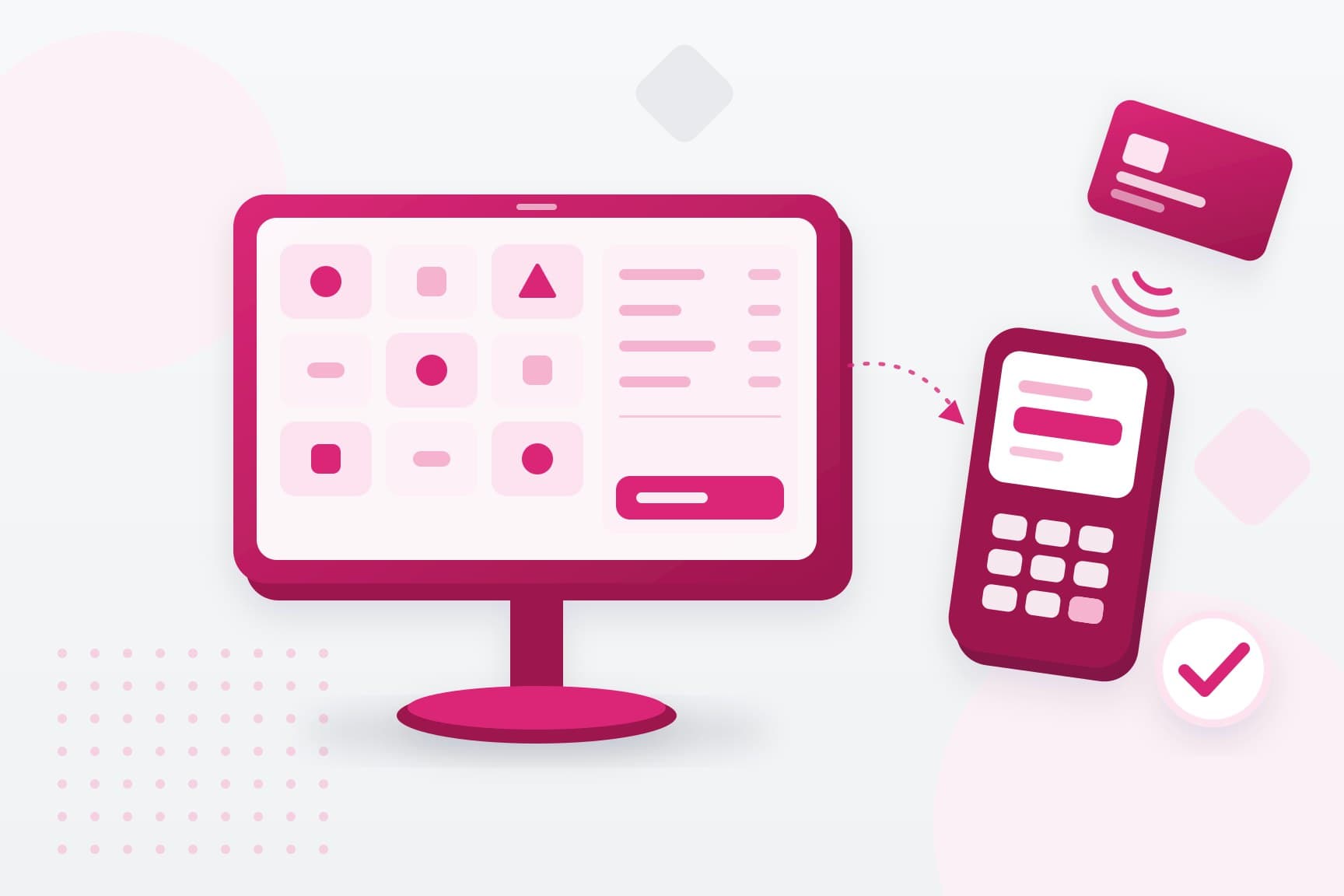
What a POS system is, and what it is not
A POS (point of sale) system records each sale: what was sold, at what price, with which discount, and how it was paid. It adds GST, prints or sends the receipt, and keeps the records your daily report and your accounts are built from.
It has two parts. The software holds your menu or product list, your prices, your staff logins and your reports. Many POS systems now run in the cloud, so you can check the day's sales from anywhere.
The hardware depends on the business:
- a touchscreen, tablet or phone to ring up sales
- a receipt printer, and in a kitchen, an order printer or screen
- a cash drawer, if you take cash
- a barcode scanner, for shops with many products
- a card terminal, or a screen showing a QR code, for the payment
A cash register adds up the sale and holds the cash. A POS does that too, and it also tracks stock, keeps customer records and shows which items sell, at which hours and at which outlet.
The main types of POS systems
Most POS systems fall into one of five types. Many businesses mix two, such as a till at the counter with phones for taking orders at the table.
- Countertop POS: a fixed touchscreen or computer at the counter, with a cash drawer, printer and scanner. It suits supermarkets and busy shops.
- Tablet POS: POS software on a tablet on a stand. It is a common choice in cafés and small shops, because it is quick to set up and easy to move.
- Mobile POS: software on a phone or handheld device. Staff take orders and payments at the table, at a market stall or on a delivery.
- Self-service POS: kiosks and QR menus where customers order, and often pay, by themselves. It suits fast-food outlets and busy cafés.
- All-in-one terminal: one Android device that runs the POS software, prints the receipt and takes the card. It saves counter space, but check whether you can choose who processes your payments.
Check where the data is kept, too. A cloud POS keeps your sales online, so reports and menu changes reach every device and outlet at once. Ask what happens when the internet drops: a good system keeps taking orders and catches up when the connection returns.
How the POS and the payment terminal work together
The POS knows what the customer owes, and the terminal takes the payment by card, phone or QR code. They often come from different companies: a POS vendor for the software and a payment provider for the terminal. You can connect them in two ways.
An integrated setup:
- The POS sends the amount to the terminal, so nobody types it twice.
- The terminal sends the result back, and the POS closes the sale.
- There are fewer keying mistakes, and each sale matches its payment by itself.
- The POS and the terminal must support each other, so check before you buy either.
A standalone setup:
- The cashier types the amount into the terminal, then marks the sale as paid in the POS.
- It works with any POS, and you can change either one later.
- A wrong amount only shows up when someone checks the day's totals.
- A reference on each payment, such as the receipt number, makes matching far easier.
Integration pays off at a busy counter with many card sales. A standalone terminal is often enough for a small shop or a stall, as long as someone compares the POS sales report with the payment report each day. Our guide to choosing a payment terminal covers the terminal side in more detail.
What your POS needs, by type of business
Start with the jobs your staff do most often, because a café and a clothes shop need very different things.
- Cafés and restaurants: table and order management, orders sent straight to the kitchen, split bills, service charge, and QR ordering if your tables turn over fast.
- Retail shops: barcode scanning, stock levels with low-stock alerts, sizes and colours, returns and exchanges, and stock that stays in step with your online shop.
- Salons, clinics and other services: appointments, packages and prepaid sessions, staff schedules and customer records.
- Stalls and pop-ups: a phone or a small device, mobile data instead of Wi-Fi, and a short menu that is quick to tap through.
- Several outlets: one product and price list for every outlet, reports by outlet and in total, and different access for managers and cashiers.
Ask for a demo of your own busiest moment, such as a lunch rush or a Saturday afternoon. A system that looks quick in a sales demo can still feel slow with your menu and your queue.
What a POS system costs
A POS system's price is several costs added together, so a low monthly fee can still mean a high total. Ask for a written quote that lists each of these:
- Software: usually a monthly subscription, priced per outlet or per device, with higher plans adding features.
- Add-ons: stock management, loyalty, a kitchen screen, online ordering or links to delivery platforms can each cost extra.
- Hardware: tablets, printers, cash drawers and scanners, bought outright or rented.
- Payment fees: charged on each card or QR payment by whoever processes your payments, separate from the POS subscription unless the two are sold together.
- Setup: loading your menu or products, installation and staff training.
- Support: which hours are covered, and whether evenings and weekends cost more.
If a plan is free, ask how the provider makes its money. Often it is through the payment fees, and the plan may only work with its own terminal. Many POS apps also run on a tablet or phone you already own, so check which devices, printers and terminals the software supports before you buy hardware.
Add these up for the first year and compare systems on that total. Then read the contract: how long it runs, what leaving early costs, and whether you can take your sales, products and customer data with you if you switch.
Singapore rules your POS system has to follow
If you're GST-registered, three rules from IRAS (the Inland Revenue Authority of Singapore) apply to your POS:
- Prices: the prices customers see must include GST. Restaurants that add a service charge follow a separate display rule.
- Receipts: each one must be numbered in sequence. It shows the date, your business name, your GST registration number, the total including GST and a line saying the price includes GST.
- Records: receipts or cash register tapes have to be kept for at least five years, so check that you can export them.
If you sell pre-packed drinks in plastic bottles or metal cans, a refundable deposit has applied to each one since 1 April 2026, under the Beverage Container Return Scheme. It is charged on top of the price, without GST, and IRAS asks businesses to update their point-of-sale systems for it.
Grants have changed too. The Productivity Solutions Grant, which supported IT solutions and equipment, closed on 29 September 2026. Since 30 September, the EDGE Grant from Enterprise Singapore has taken its place, and it supports digital solutions and equipment among other activities. Check whether your system is a supported activity, and whether it must come from a pre-approved vendor. Apply before you pay anything, because an application made after a payment or deposit is not supported.
Where ONE fits beside your POS
ONE handles the payment side of the counter. Our payment terminals take cards and QR payments beside the POS you choose:
- ONE Pro: an Android terminal with a 5.5-inch touchscreen, a built-in receipt printer and 4G, for counters and restaurants.
- ONE Mini: a compact terminal for contactless cards and PayNow QR, which says each successful payment out loud. It suits stalls and tight counters.
- ONE Tap: turns an NFC-enabled Android phone into a terminal for contactless cards and QR, with no extra hardware.
They take major cards, such as Visa, Mastercard, American Express, JCB and UnionPay, as well as PayNow and wallets such as Alipay and GrabPay. The methods available depend on your device and type of business, and are confirmed during onboarding.
If you already have a POS, you may not need to replace it. ONE supports integration with a range of POS platforms, and we confirm whether yours is supported before anything changes.
If you run the terminal standalone, you can set it to ask for your POS receipt or invoice number with each payment. The number then appears on the payment in the merchant portal, so you can match it to the sale. Transactions can be exported to a spreadsheet for your records.
Terminals can be bought outright or rented, and each comes with a 12-month warranty against defects. Settlement typically comes the day after the transaction, and the timing is confirmed during onboarding. ONE does not hold funds: payment services are provided through licensed payment partners. See how in-store payments work with ONE, or talk to our team about your counter.