
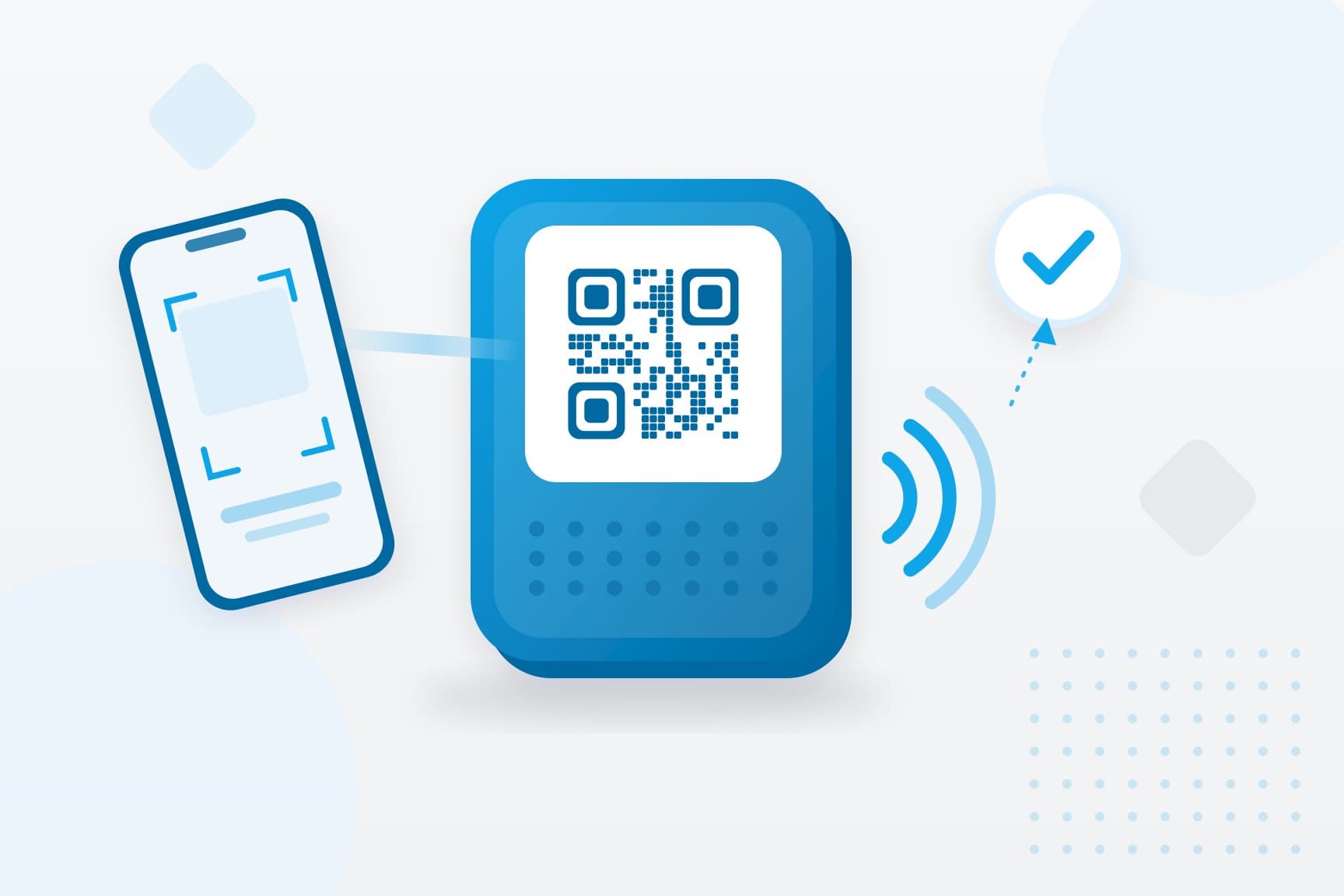
What a payment soundbox is
A soundbox is a small speaker linked to your payment account. When a payment for your business is approved, the provider sends a message to the box, and the box reads it out.
Outside payments, "soundbox" also means a loudspeaker, a recording booth or the hollow body of a guitar. This guide is about the payment kind only.
There are two broad types:
- A QR soundbox sits beside a printed QR code. Customers scan the code with their banking or wallet app, and the box announces each payment that comes in.
- A compact terminal with voice alerts has a screen that shows a QR code, takes contactless cards as well, and announces each payment. It does the job of a soundbox and a small card terminal in one device.
How a soundbox confirms a payment
Here is what happens at the counter, step by step, on a device that takes both QR and cards:
- You enter the amount, or the device is set up for the sale.
- The customer scans the QR code on the screen with their banking or wallet app to pay by PayNow, or taps a contactless card or phone.
- The payment goes to the customer's bank or wallet for approval.
- Once it is approved, the provider tells your device.
- The device calls out the payment, and the screen shows it too.
The announcement comes from your provider. A customer can show you any screen they like, but only an approved payment makes your device speak.
The device needs a working connection to hear back from the provider. If it is switched off or offline, it cannot announce anything, so keep it charged and connected during trading hours.
Why stalls and small shops use one
The main reason is fake payment screenshots. A common trick is to show a doctored or old screenshot of a PayNow transfer and walk off with the goods. The Monetary Authority of Singapore advises merchants to always check for a notification that a payment succeeded before releasing goods. A soundbox gives you that notification out loud, on every sale.
At a busy stall you are cooking, packing or handing over change. With a soundbox you hear each payment without stopping to open your phone and scroll through bank alerts, and the next customer is not kept waiting while you do.
A spoken confirmation also carries better than a phone buzzing in a pocket, which helps in a loud hawker centre or a pasar malam. And anyone at the counter can hear that a payment went through, so you do not have to hand your banking app to an assistant so they can check.
Soundbox, card terminal or phone: which fits
A soundbox is one of three ways a small business takes payments in person. Each suits a different counter.
A compact soundbox terminal:
- Calls out each successful payment.
- Shows a QR code on screen and takes contactless cards.
- Small enough for a crowded counter, light enough to carry.
- No printer, and no chip-and-PIN card insertion.
A full card terminal:
- Takes cards by tap and by chip, plus QR payments.
- Prints receipts on the spot.
- Larger, and better for a restaurant, café or retail counter.
- Confirms on screen rather than out loud.
There is also a third way: an app that turns an Android phone into a terminal, known as SoftPOS. It needs no extra hardware and suits pop-ups and mobile work, but it shares the phone with everything else you use it for. Our guide on how to choose a payment terminal in Singapore goes through every type of device.
Many businesses mix them. A café might keep a full terminal at the till and a soundbox at the takeaway window.
What to check before you get a soundbox
Soundboxes look alike, but they differ in ways that matter on a busy day. Ask these questions before you choose one:
- Which payment methods does it take? QR only, or contactless cards as well? Which QR methods: PayNow, other banking apps, wallets?
- Is the QR code made for each sale, or printed once? A code that carries the amount saves customers typing it and cuts mistakes.
- How does it connect: Wi-Fi, mobile data, or both? A stall with no Wi-Fi needs a device that works on mobile data.
- How long does the battery last? It has to get through your longest trading day.
- Is the announcement clear enough for your setting, and does the volume adjust?
- Where do you see your sales? A device that announces payments should also feed a report you can check at the end of the day.
- When does the money reach you? Ask how quickly payments settle into your bank account, and whether it differs by payment method.
- Can you buy or rent it? Renting spreads the cost. Buying may suit you if you plan to keep it for years.
- What happens if it breaks? Ask about the warranty, repairs and who you call for help.
Also check who actually processes your payments. In Singapore, merchant acquisition is a payment service that needs a licence under the Payment Services Act. MAS lists licensed institutions in its Financial Institutions Directory.
Does your stall need one?
A soundbox makes sense if most of these are true:
- Most of your customers pay by QR, and you want to stop checking your phone for each one.
- Your counter is small, or you move between sites.
- You do not need to print a receipt for every sale.
- You have helpers at the counter who need to know a payment went through.
- You trade somewhere loud, with long queues at peak times.
A full terminal is the better choice if many customers insert a chip card or you need printed receipts. The same goes for a sit-down restaurant where staff take payment at the table. And if you take only a few payments a week, a phone app may be enough.
The weeks before Chinese New Year and the Ramadan bazaars are the busiest of the year for many stalls. If you plan to use a soundbox then, set it up early so you can test it on ordinary days first.
ONE Mini: the soundbox terminal from ONE
ONE Mini is ONE's compact terminal that calls out every successful payment. When your hands are busy and your eyes are on the customer, you still know the money landed.
- It confirms each successful payment out loud, as it happens.
- It shows a PayNow QR code on its screen for the customer to scan. Our guide to PayNow QR codes for businesses explains how those codes work.
- Customers can also tap a contactless card or a phone wallet, so someone without a banking app can still pay.
- It is small enough for a crowded counter and light enough to carry.
- Setup is minimal: switch it on and start taking payment.
You can turn the volume down to silent when you need quiet, but the audio cannot be switched off entirely, since the voice is what ONE Mini is for. Software updates install themselves while the device is on and connected.
Your payments and settlement reports sit in the merchant portal, so you can check the day without adding up alerts. Settlement typically comes the day after the transaction, confirmed during onboarding. You can buy ONE Mini outright or rent it, and it carries a 12-month warranty against defects. ONE does not hold funds: payment services are provided through licensed payment partners. Support comes from a team based in Singapore.
The payment methods available depend on your device and type of business, and the final list is confirmed during onboarding. Compare ONE Mini with ONE Pro and ONE Tap on our payment terminals page, or see how they fit together for in-store payments. To get a quote, talk to us.